

Greater security through MFA
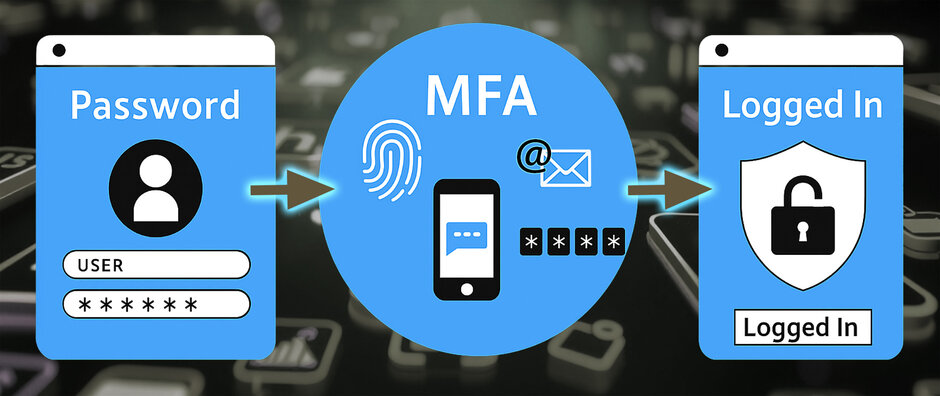
To better protect your data, the University is gradually introducing multi-factor authentication (MFA). This means that, when logging in, you will need a second form of verification in addition to your password – for example, via an app.
This second factor during login significantly reduces the risk of identity theft and unauthorised access to the University’s systems.
Which systems are already protected by MFA?
- VPN
- Webmail
Other systems will be gradually integrated with MFA; you will be informed in good time.
Setting up and testing MFA
Guides on configuring and testing MFA (external link, opens in a new window).
Any questions or problems?
You can find comprehensive information on MFA in our support section (external link, opens in a new window).
Target groups
- Employees (UR, UKR)
- Students (UR)
Login
The M365 user name is a combination of the RZ user name and the extension
- @ads.uni-regensburg.de
(e.g.: vip12345@ads.uni-regensburg.de) - use your RZ password as password
MFA methods
The following MFA methods are available to you:
- Microsoft Authenticator App
- FIDO2 security key
- TOTP Authenticator
- Windows Hello for Business
Detailed information on MFA methods (external link, opens in a new window).